 File protection · Practical backup
Could you recover your files if the laptop failed?
Choose a drive, understand cloud-sync limits and test a restore before you need one.
Build your backup routine →Every guide starts with the decision: what you need, which specification matters, what you can safely skip and where your money produces the biggest improvement.
These guides explain buying decisions and link to related products or clearly labelled retailer searches. They are not a live deal feed.
File protection · Practical backupChoose a drive, understand cloud-sync limits and test a restore before you need one.
Build your backup routine →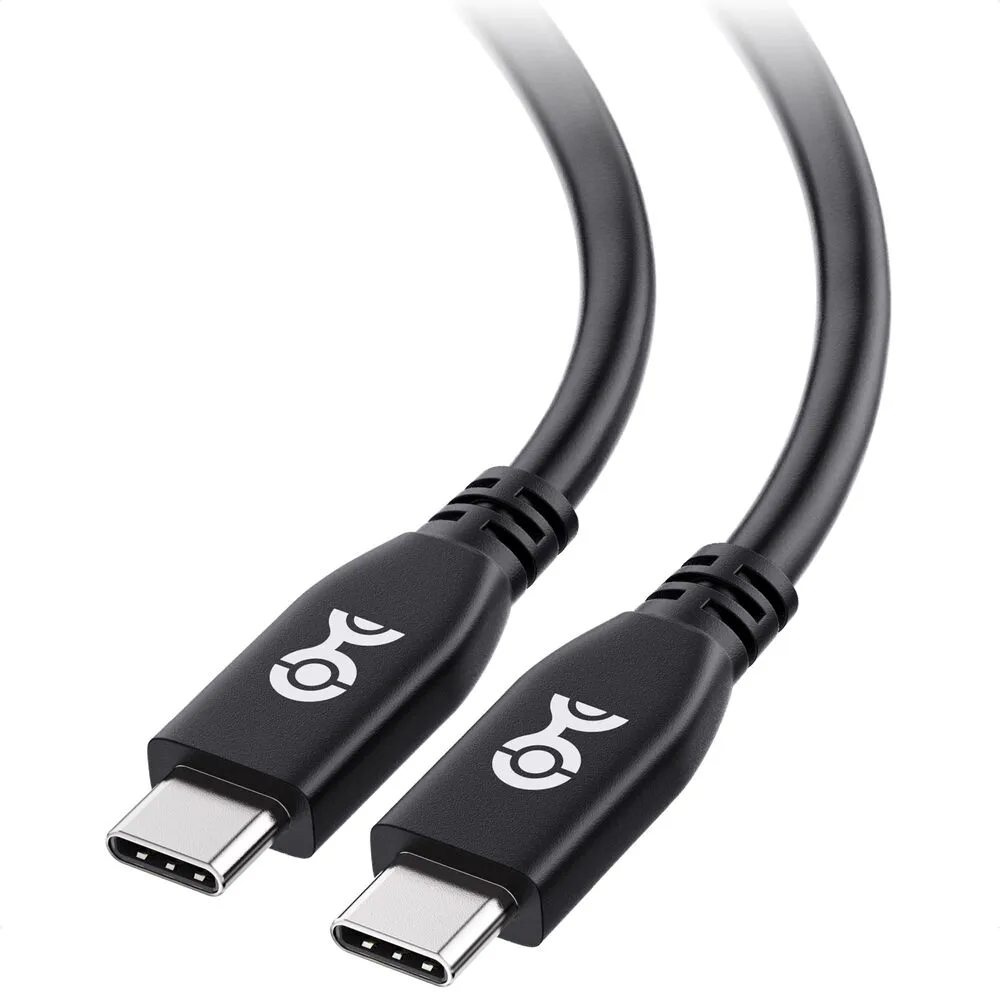 USB-C · Compatibility first
Separate charging watts, video support and data speed before buying another cable.
Choose the right USB-C cable → Work & recording · Practical audio
Fix unclear calls before spending more. Compare the H390 and Q2U, placement and complete setup cost.
Find the useful audio upgrade →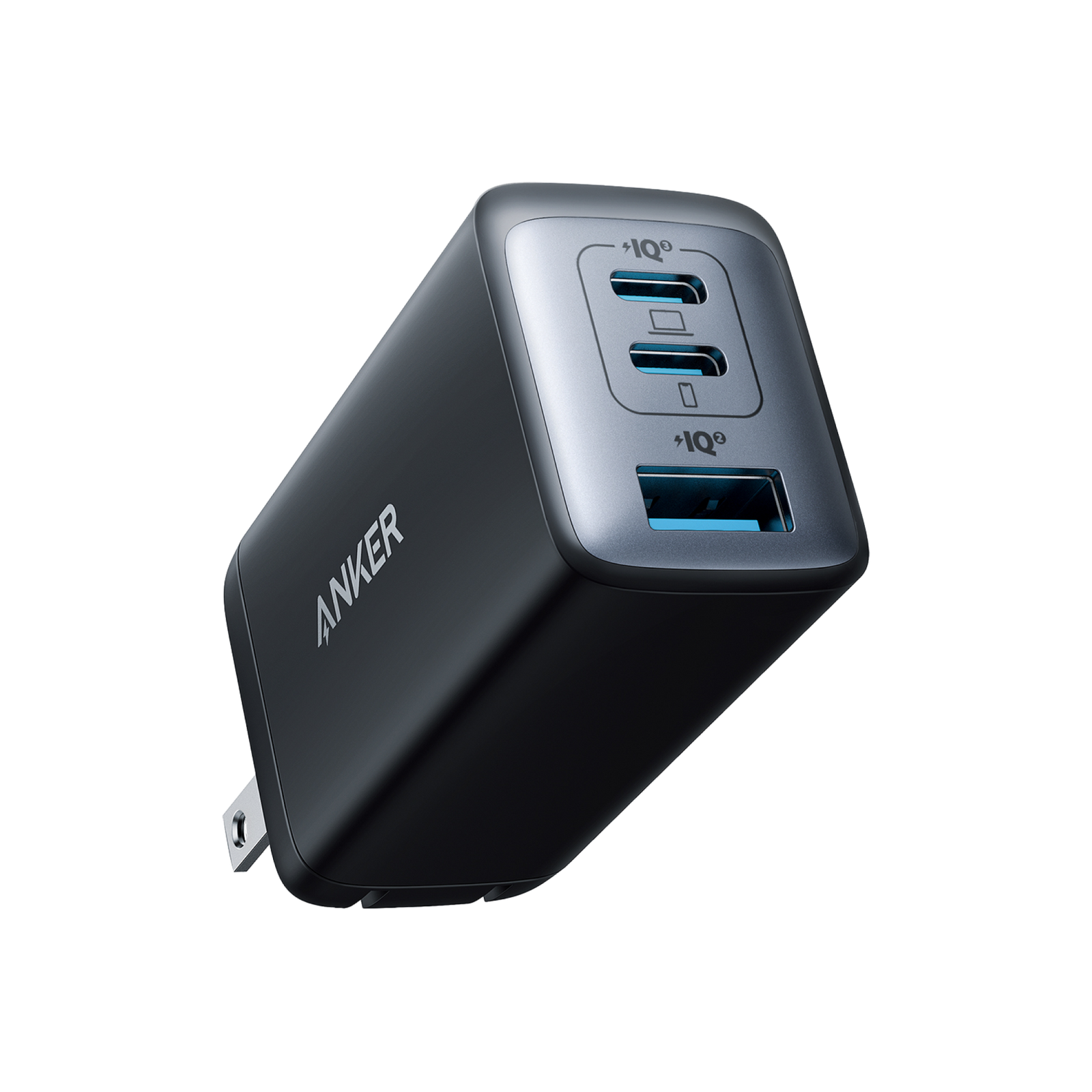 Laptop charging · Practical guide
Check the power split before plugging in your laptop and phone. Understand the port and cable limits.
Choose the right charging setup →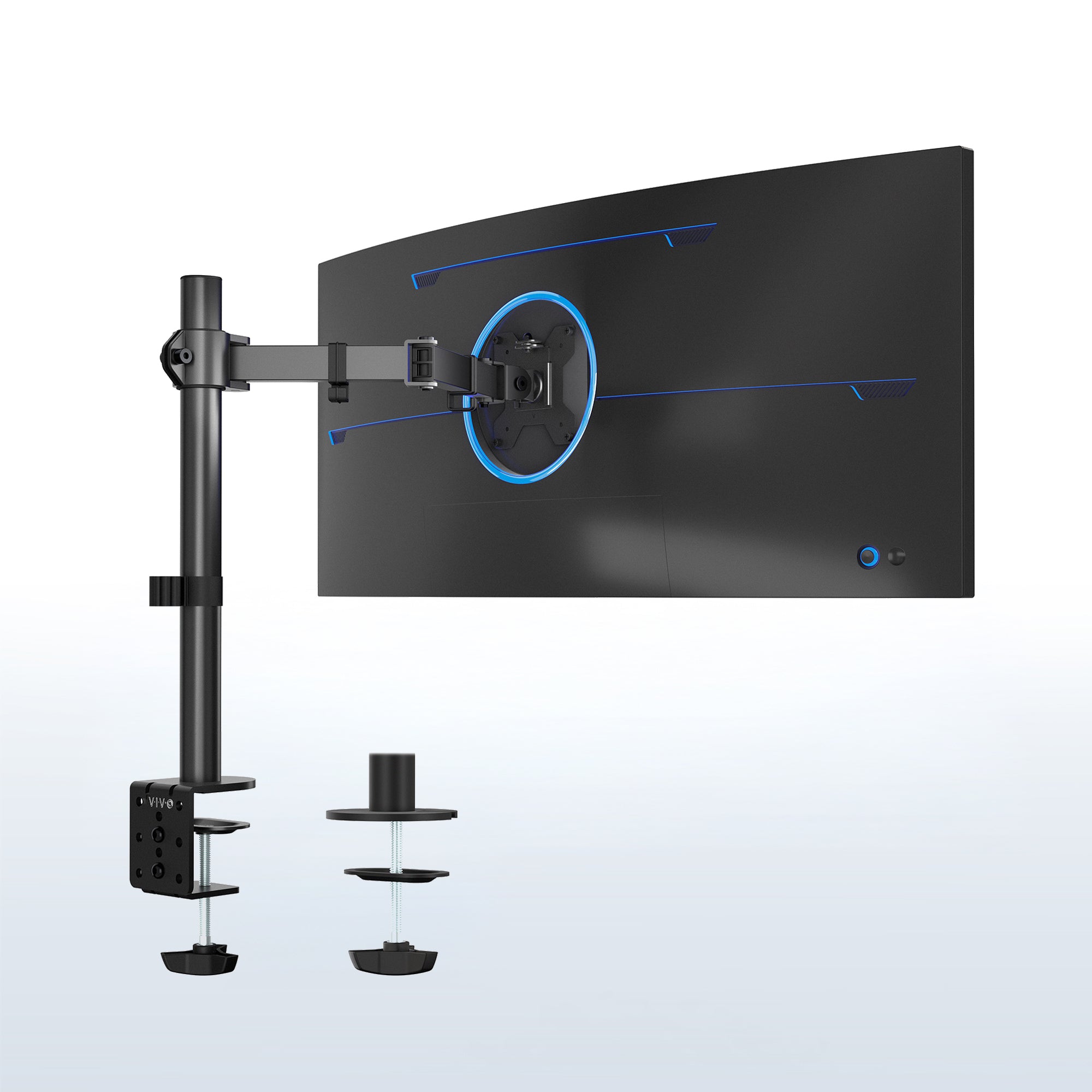 Desk upgrades · Fit before price
Weight, VESA holes, desk attachment and adjustment style matter more than the screen-size label.
Check your setup → Work & gaming · Mouse comparison
Compare device switching, scrolling, fit and gaming priorities before paying for a mouse upgrade.
Choose the features you need →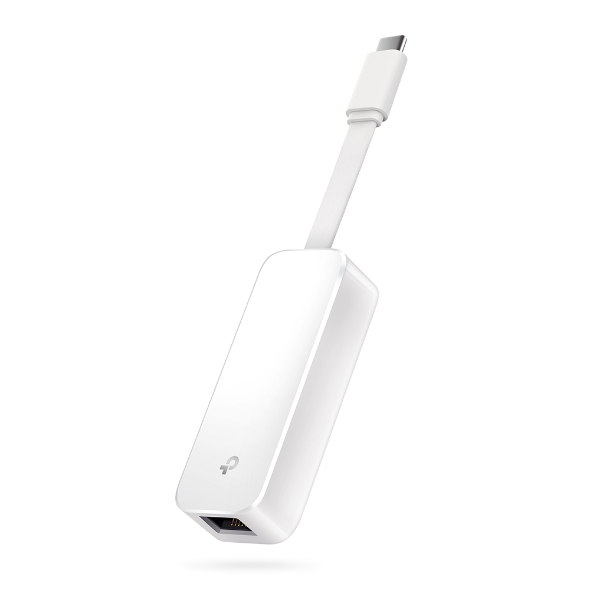 Networking · Diagnose before buying
Know when an Ethernet adapter helps, which connector fits and when to skip the purchase.
Find the connection problem →Portable storage · Practical comparisonCompare the XS1000 and T7 Shield, avoid wasted speed premiums and know the PS5 limits.
Choose portable storage →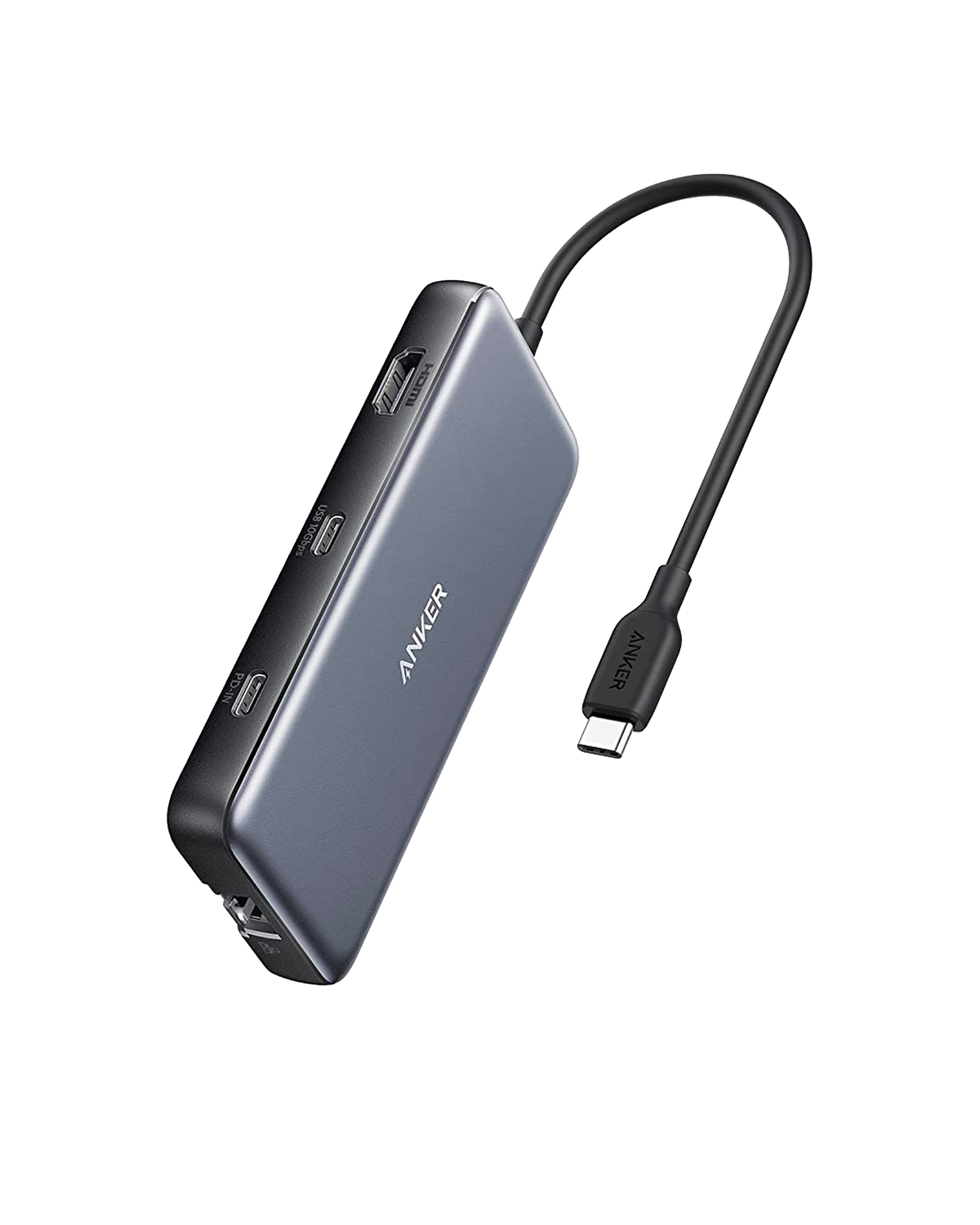 Laptop accessories · Compatibility guide
Check video support, 4K refresh rates, charging and the ports you actually need.
Choose a compatible hub →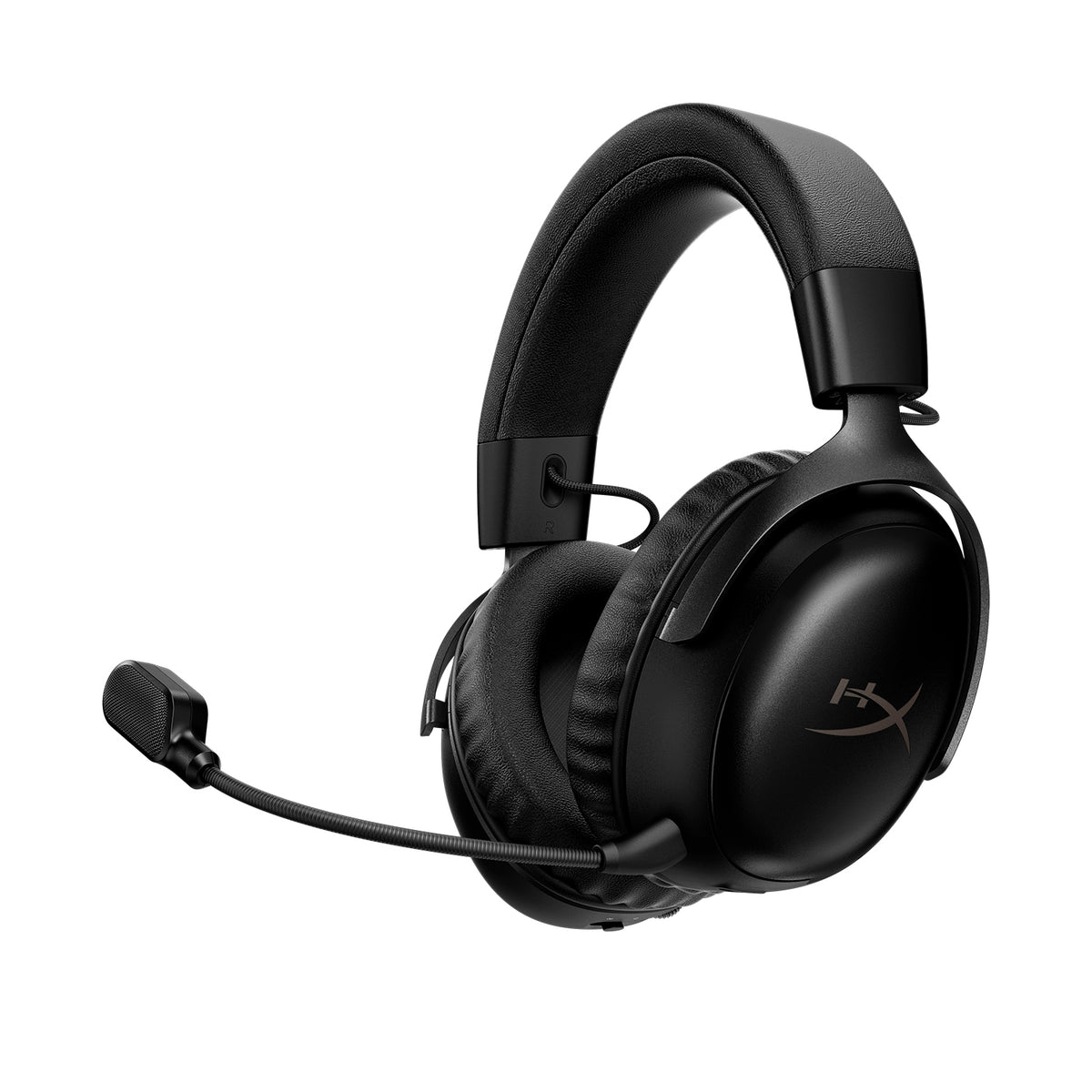 Gaming audio · New comparison
Xbox, Bluetooth and the wireless premium: choose the right headset version before buying.
Compare the headset versions →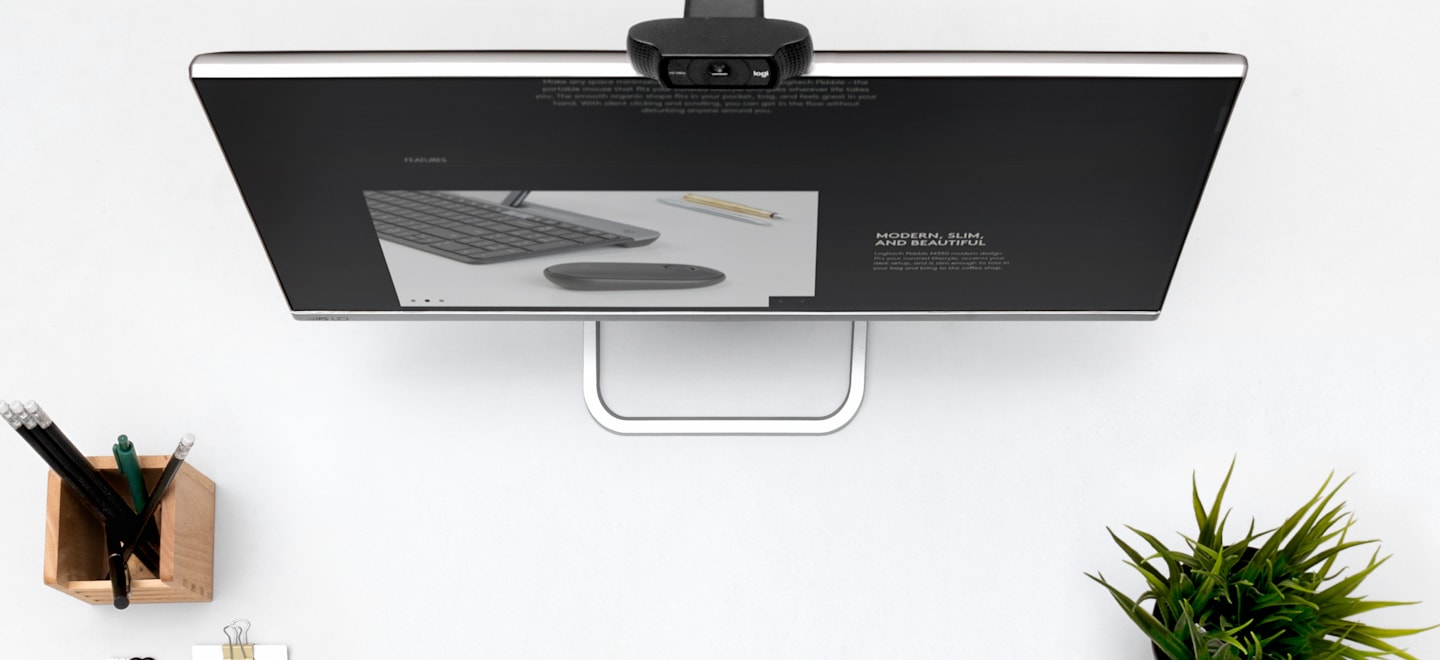 Webcam & audio · Practical guide
Diagnose dark video, muffled speech and unstable calls. Decide whether lighting, a headset or a webcam is the upgrade worth paying for.
Diagnose your call setup →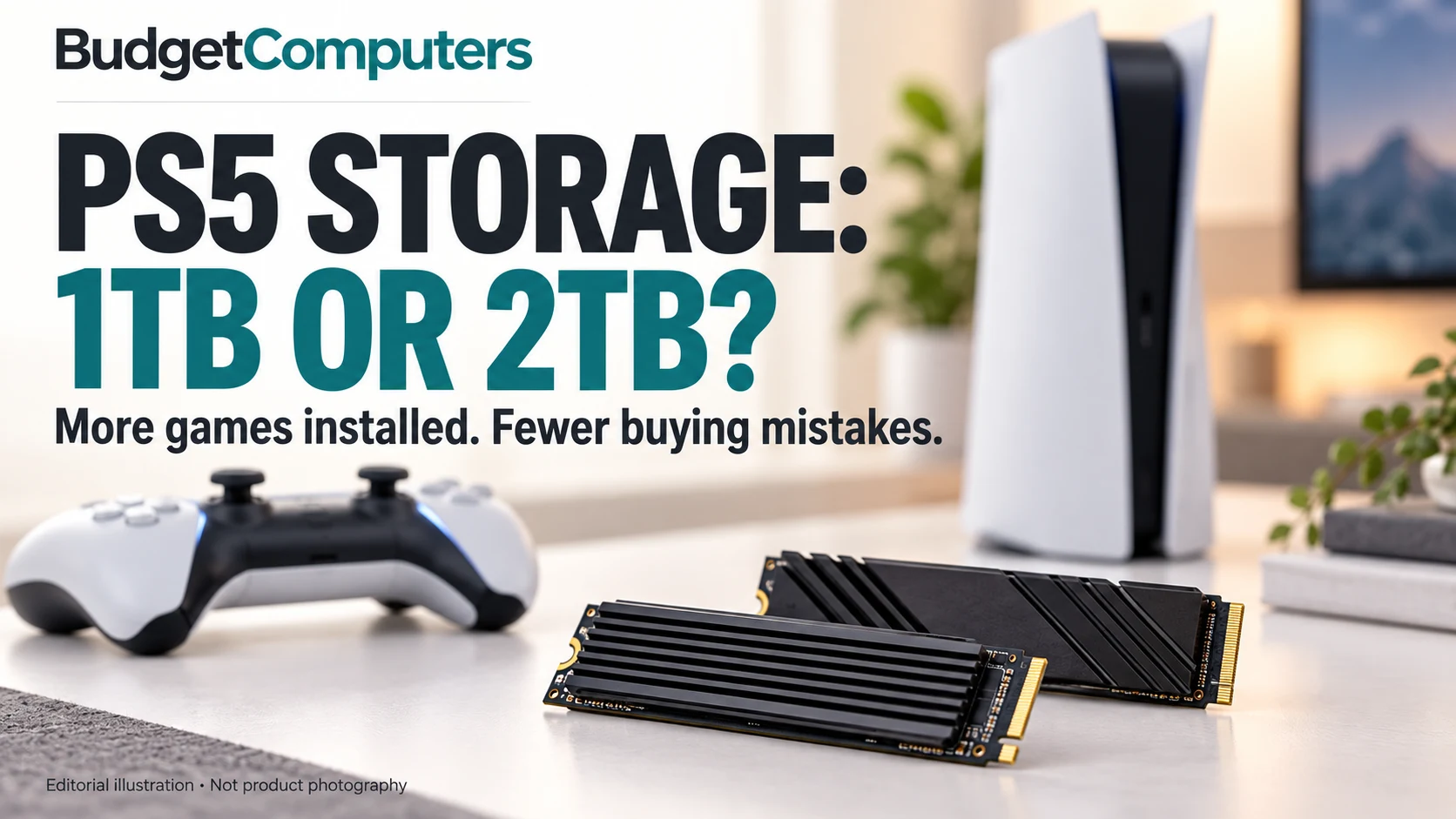 PS5 storage · Compatibility first
Choose the capacity, avoid USB and heatsink mistakes, and compare two exact 2TB models.
Choose PS5 storage →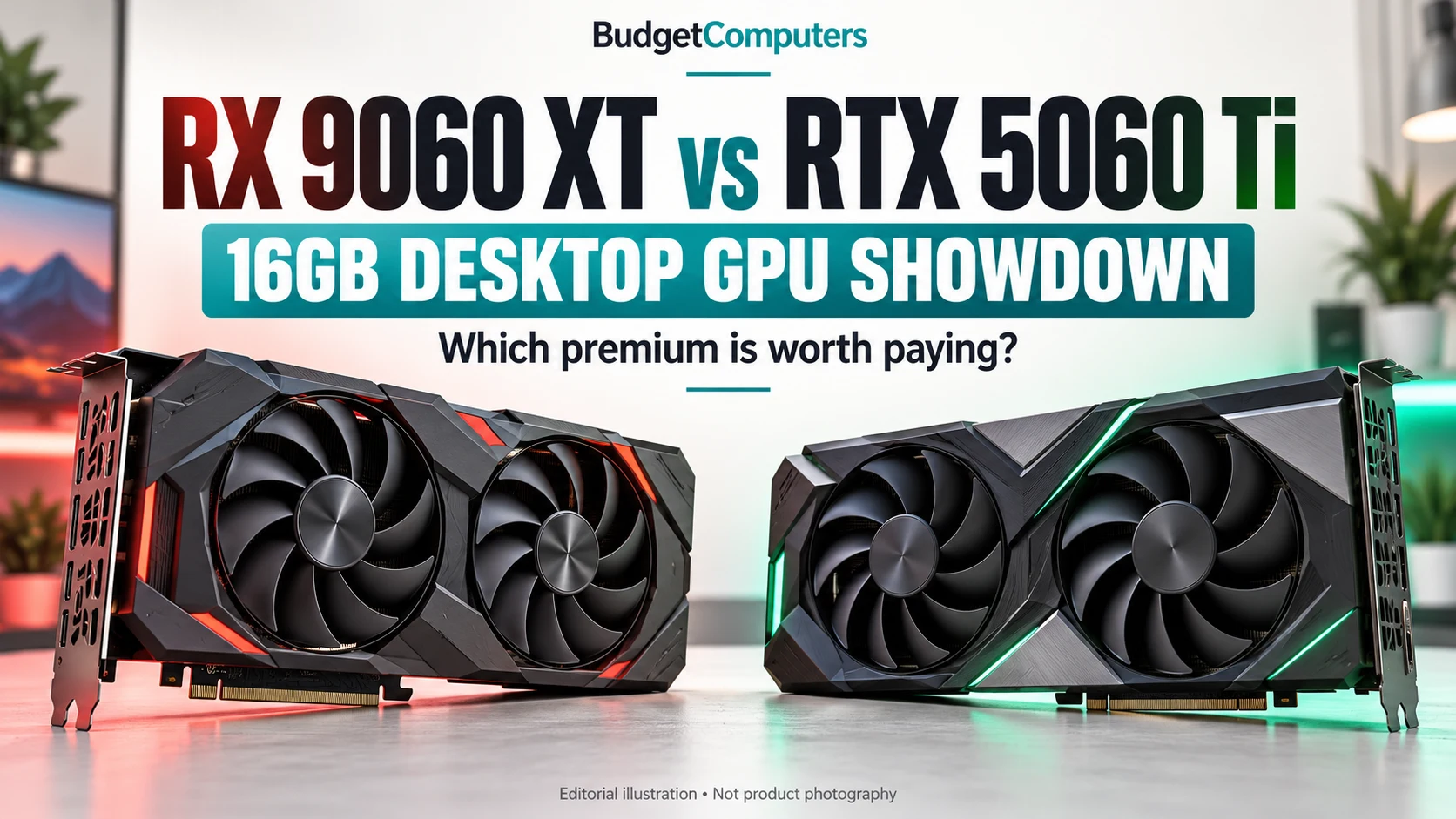 Desktop GPUs · Price-gap calculator
Find out when the RTX premium makes sense, check exact models and compare the offers you actually see.
Compare the desktop GPUs →More workspace, stronger HDR—or more pixels than your GPU needs? Compare two models and their retailer listings.
Find your monitor fit →Assess the 240Hz screen, 8GB graphics memory and storage trade-offs. Current offer price unconfirmed.
Read the Crosshair assessment →Rapid trigger, polling-rate claims and the NS68: spend on the features you will actually use.
Make a smarter keyboard upgrade → Power protection · Practical guide
Calculate the load and compare realistic backup time before paying for a larger unit.
Plan your battery backup → Upgrades · October 2026
Diagnose the limitation, check compatibility and compare costs without panic-buying.
Choose your next upgrade → Gaming laptops · GPU comparison
Compare power limits, 8GB versus 12GB VRAM, review evidence and what the price premium actually buys.
Compare the laptop GPUs →Read the Windows battery report, test your workload and decide whether to keep the laptop before the return deadline.
Check refurbished battery health →When a refurbished Acer makes sense—and how tax, memory limits and warranty change the decision.
Read the refurbished buying guide →Compare fit, battery trade-offs, seller terms and sensible spending limits before buying.
Read the mouse buying guide →Compare RTX 5050, RTX 5060 and RTX 5060 Ti 16GB tiers—and inspect the components hidden behind the headline.
Choose a prebuilt tier →Choose between Chromebook and Windows, then use practical minimum specifications to avoid false savings.
Choose the right student laptop →Compare the RTX 4050, RTX 5050 and RTX 5060 buying levels—plus the display, memory and cooling checks that protect your budget.
Choose your laptop tier →Choose between an upgradeable APU starter, a strong 1080p build and a modern AM5 system aimed at 1440p.
Choose your build →Compare four distinct picks by refresh rate, panel capability, HDR value, ergonomics and the type of gamer each model actually suits.
Compare the monitors →Diagnose slow loading, weak frame rates and poor multitasking before spending on an SSD, RAM, GPU, CPU or a complete rebuild.
Find your first upgrade →New guides will expand the site in four connected areas so readers can move naturally from identifying a need to choosing a compatible product.
Recommendations must solve a defined problem, fit the intended budget and disclose meaningful limitations. Research-based selections are identified honestly, and prices are checked on the retailer before purchase.