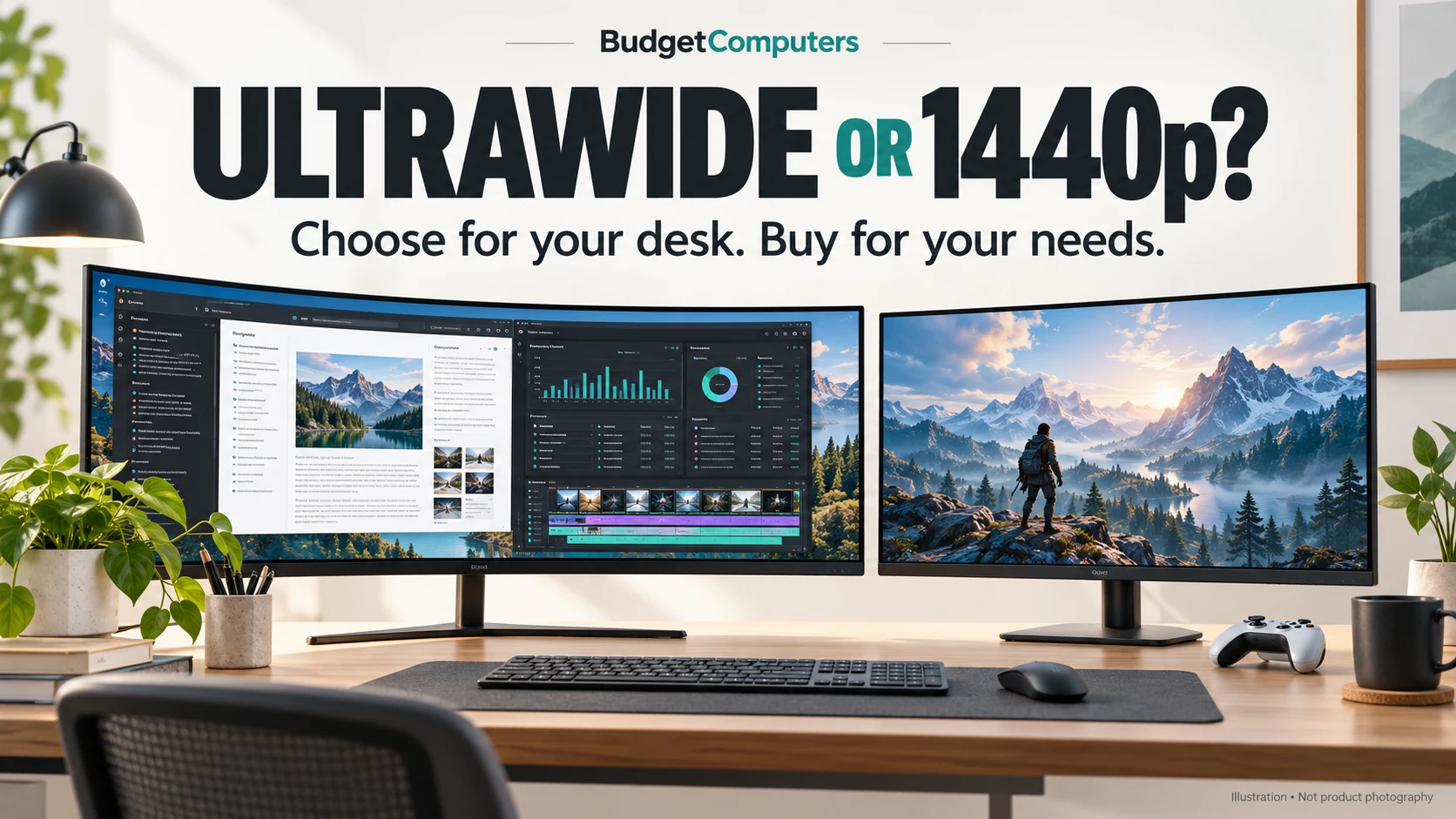
34-inch ultrawide or 27-inch 1440p? Buy for your desk, not the discount.
An ultrawide gives you more room. A Mini-LED monitor gives you a different reason to upgrade. Here is how to choose before Black Friday offers fill your feed.
Affiliate disclosure: As an Amazon Associate I earn from qualifying purchases. We may also earn from qualifying purchases through Walmart links.
The quick verdict
Choose a 34-inch ultrawide for side-by-side work and wider-screen PC games. Choose the 27-inch AOC Q27G3XMN if local-dimming HDR is the feature you want. For a console-first desk, confirm the console’s output modes and the monitor’s supported input timings before buying either.
For the older Sceptre C345B-QUT168 165Hz version, our shopping target is $200 or less before tax, including shipping, for a new unit with suitable returns. That is an editorial spending limit—not a verified current offer or promised Black Friday price.
Two useful upgrades. Two different jobs.
Sceptre C345B-QUT168 · 165Hz
34-inch, 3440 × 1440, curved VA display. Consider it when you want room for a document and reference window, or a wider view in supported PC games.
The catch: the manufacturer specifies up to 165Hz over DisplayPort, but up to 100Hz at native resolution over HDMI. Confirm your laptop or desktop connection can deliver the mode you want.
Check the 165Hz model on Amazon Compare the 165Hz model at WalmartExact 165Hz-version listings. Compare the selected seller, condition and delivered total. No current price is confirmed here.
AOC Q27G3XMN
27-inch, 2560 × 1440 VA display, up to 180Hz and 336 local-dimming zones. A candidate for buyers prioritising HDR capability over a wider desktop.
The catch: screen width and HDR are different upgrades. Do not pay for Mini-LED if you mainly need more room for applications. Compare independent motion tests if competitive gaming is your priority.
Check the AOC Q27G3XMN on AmazonMatch Q27G3XMN on the retailer page. Check the current price and selected offer before ordering.
The number the sale banner leaves out: 34% more pixels
A 2560 × 1440 screen contains 3,686,400 pixels. At 3440 × 1440, the count rises to 4,953,600 pixels—approximately 34.4% more.
Both have 1,440 vertical pixels. The ultrawide adds width for your workspace and compatible games. For gaming, that also gives the GPU more pixels to render at native resolution. It does not mean every game will lose 34% of its frame rate: the result depends on the game, settings and hardware.
| Your priority | What to shortlist | What to check |
|---|---|---|
| Documents, spreadsheets and reference windows | 34-inch ultrawide | Desk width, text scaling and your laptop’s display output |
| Wider PC gaming view | 34-inch ultrawide | Game support for ultrawide and GPU performance at 3440 × 1440 |
| HDR-focused single-player gaming | AOC Q27G3XMN | Independent HDR and motion testing; current price versus alternatives |
| Limited desk space | 27-inch option | Stand footprint and viewing distance |
| A working monitor that already meets your needs | Keep it | Name the problem a replacement would actually solve |
A specification trap worth avoiding
The Sceptre product family appears in 165Hz and newer 180Hz listings. This comparison and its Sceptre links refer to the 165Hz version. Do not assume a different year, refresh-rate option or marketplace listing has identical ports and limits.
Sceptre’s technical page describes the 165Hz model as edge-lit. An HDR label does not establish the same backlight capability as the AOC’s 336-zone local dimming. Likewise, a printed “1ms” figure is not our measurement of real-world motion clarity.
What would make this a worthwhile deal?
Start with the final price for the exact model, then compare the alternative you would actually buy. A cheaper 1080p ultrawide is not an equivalent substitute for 3440 × 1440. A newer model may be a better choice if its total price is close and its tested performance or warranty better suits you.
For the Sceptre, use our $200 target as a budget filter, not a reason to settle for unclear returns or the wrong version. If your only usable connection limits it below the refresh rate you want, the lower price does not fix that mismatch.
Our recommendation: shortlist the ultrawide for workspace and compatible widescreen gaming. Shortlist the AOC for local-dimming HDR. Choose the one that solves your problem at a competitive verified price.
Compare prices before you commit
Affiliate links · Prices and seller availability can change. Compare the same 165Hz configuration and check returns.
Prefer a conventional screen? Our four-monitor 1440p comparison covers HDR, high-refresh and work-and-gaming alternatives.
Sources and how we reached the verdict
- Sceptre C345B-QUT168 specifications: resolution, panel, backlight and input limits.
- AOC Q27G3XMN specifications: resolution, refresh rate and local-dimming zones.
- The linked Amazon and Walmart 165Hz-model listings: destination and configuration checks. Retrieved offer information was not fresh enough for a live-deal claim.
Pixel counts are calculated from the stated resolutions. Recommendations and the $200 target are editorial judgement. We have not measured these monitors’ response times, brightness or input lag. See our editorial policy.