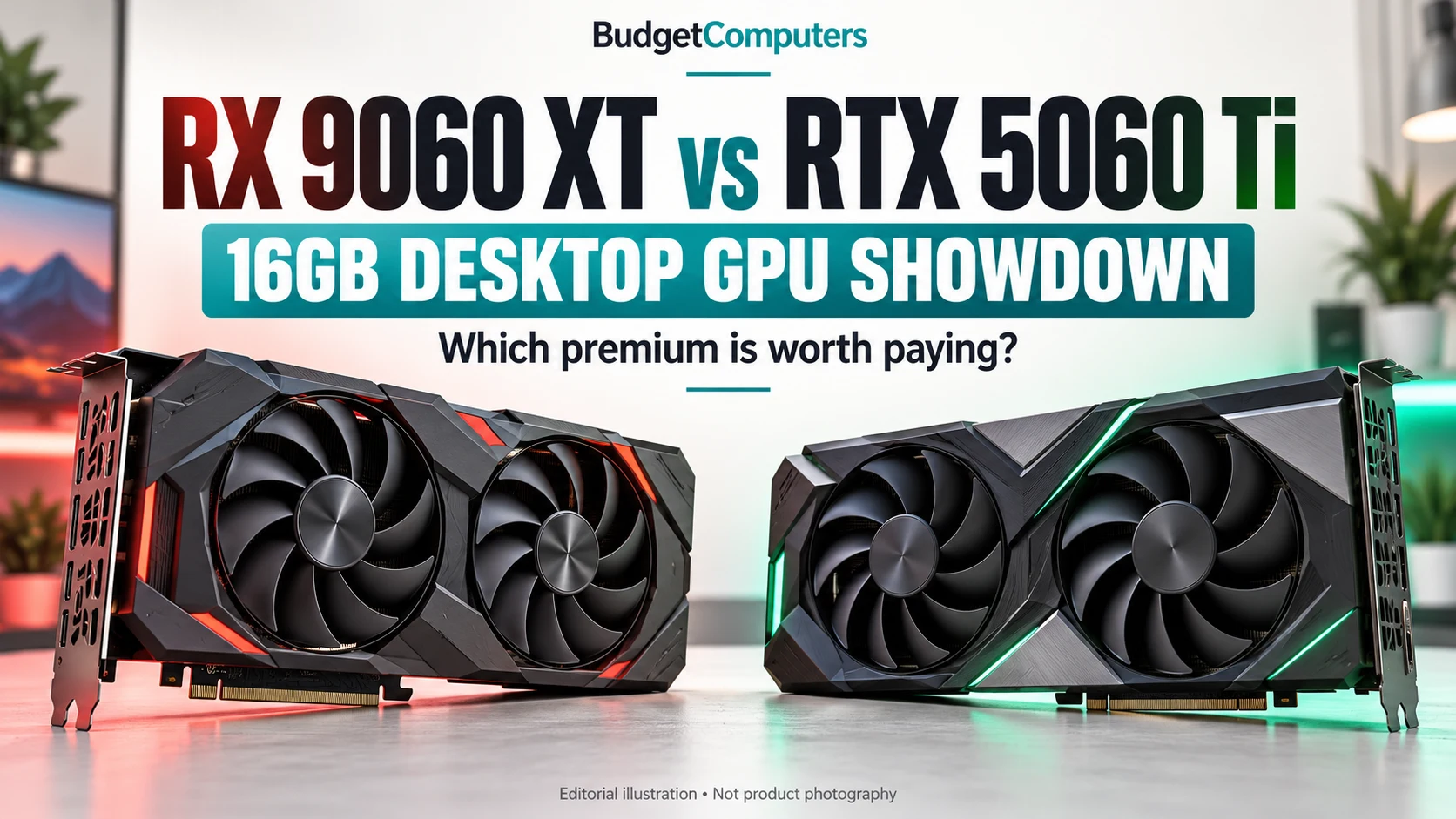
RX 9060 XT or RTX 5060 Ti? Make the 16GB upgrade earn its price.
Two credible 1440p candidates. Different strengths. The right choice depends on your games, your PC and the price gap—not the discount badge.
Affiliate disclosure: As an Amazon Associate I earn from qualifying purchases. We may also earn a commission through Walmart links. Retailer links open external product pages; prices, sellers and availability can change.
Buy the benefit you will actually use.
Start with the RX 9060 XT 16GB if conventional gaming is your priority and it costs meaningfully less. Consider the RTX 5060 Ti 16GB when the extra cost buys a demonstrated advantage in your games, DLSS features you want, or support required by your applications. At similar prices, the RTX card deserves a close look.
Skip both for now if your current GPU already meets your target, your PC cannot accommodate the card, or inflated offers put these GPUs close to a demonstrably faster alternative. A comparison between two cards is not a reason to accept a poor price on either.
| Your priority | First option to investigate | Check before buying |
|---|---|---|
| 1440p gaming with limited ray tracing | RX 9060 XT 16GB at a worthwhile saving | Benchmarks for your games and the actual delivered price |
| Ray tracing and DLSS features | RTX 5060 Ti 16GB | Playable base frame rate, supported games and the premium |
| CUDA-dependent software | RTX 5060 Ti 16GB | Your application's current GPU support and workload tests |
| Small case or an older prebuilt | Neither until compatibility is confirmed | Clearance, PSU connectors, system requirements and motherboard support |
Two exact 16GB cards to compare
These are product candidates, not a ranking of today's cheapest offers. No current price or coupon is confirmed here. Confirm the selected capacity, seller, condition, shipping and return terms at the retailer.
Sapphire PULSE RX 9060 XT OC 16GB
Match model 11350-03-20G. Sapphire specifies 16GB GDDR6, a 240mm length, 2.3-slot design, 170W typical board power and one 8-pin power connector. Its stated minimum PSU is 450W; the whole system still needs checking.
Good for: buyers who can save money without giving up the performance they need.
Skip it if: your software requires CUDA or the RTX alternative's tested benefits justify its premium.
Check Sapphire 16GB price on Amazon Compare Sapphire 16GB at WalmartSapphire specifications. Marketplace sellers and warranties can differ.
ASUS Dual RTX 5060 Ti OC 16GB
Match model DUAL-RTX5060TI-O16G. ASUS specifies 16GB GDDR7, dimensions of 229 × 120 × 50mm, a 2.5-slot design, one 8-pin connector and a recommended 550W PSU. Check cable clearance as well as card length.
Good for: buyers who will use NVIDIA-specific software support or whose games favour its features and performance.
Skip it if: the price premium is substantial and your workload does not benefit enough.
Check ASUS 16GB price on AmazonASUS specifications. The O16G model is the 16GB version.
What the testing actually tells us
In TechSpot's June 4, 2025 review, the RX 9060 XT 16GB finished about 1% behind the RTX 5060 Ti 16GB across its 1440p conventional-rendering average. Its ray-tracing summary placed Radeon 20% behind. Those are results from that review's games, settings and drivers—not universal or newly measured October 2026 differences.
GamersNexus's independent review also found that the gap varied by game, with a larger NVIDIA advantage in some demanding ray-tracing workloads. Different test suites need not produce the same average. Check a recent test of your most demanding games before buying.
The buying implication: a sizeable premium is harder to justify when your games perform similarly. It can make sense when your specific workload gains enough. Neither card should be bought on the promise of maxed-out ray tracing in every game.
Frame generation is not the same as faster game response
DLSS and FSR features can change image quality and displayed frame rate. Availability depends on the game and feature. Compare base performance separately from results with generated frames; a bigger displayed FPS number does not imply an equal improvement in responsiveness. See the NVIDIA feature specifications and AMD's GPU specifications.
How much faster must the dearer card be?
Enter comparable prices for new 16GB cards in the same currency, including shipping and consistent tax treatment. The result shows the performance gain needed to match cost per frame. It does not predict GPU performance or fetch retailer prices.
Example only: if one card costs 400 and the other 460, the dearer card needs 15% more measured FPS to match cost per frame. These are illustrative inputs, not current offers. Software support, image quality and other features may still justify a premium.
Four checks that prevent the wrong purchase
- Confirm 16GB at checkout. Both GPU families include 8GB versions. Similar names do not mean identical memory capacity. More VRAM gives capacity headroom; it does not automatically double performance.
- Inspect the whole PC. Check the exact case, PSU quality and connectors. A proprietary office prebuilt may need more than a graphics card swap. Avoid assuming a wattage label alone establishes compatibility.
- Keep the monitor target realistic. Standard 1440p and 3440×1440 ultrawide are different workloads. Our ultrawide comparison explains the extra pixels. A 180Hz screen does not mean every game will run at 180 FPS.
- Compare total upgrade cost. Add any necessary PSU or case changes. If a GPU price approaches a stronger tier, compare that tier before committing. If you are CPU-limited, read what to upgrade first before replacing the GPU.
Our buying position
For a gaming-first budget, start with the cheaper suitable 16GB card. Pay more when you can identify the benefit in your games or applications. Keep the saving when you cannot. If both offers are poor, waiting or widening the shortlist is a valid decision.
Sources and how this comparison was prepared
Published October 19, 2026. We checked manufacturer specifications and exact retailer product identities, and compared the independent reviews linked above. Benchmark evidence is identified by its original review date; it is not our own testing. Cooler noise, temperatures, durability and current-driver performance were not independently measured by BudgetComputers.
This is a buying comparison, not a verified live-deal alert. We have not confirmed a current checkout price, coupon or lowest-price claim. Retailer listings can change variants and sellers. Calculator results are arithmetic based only on the reader's inputs; they are not a benchmark or a guarantee.