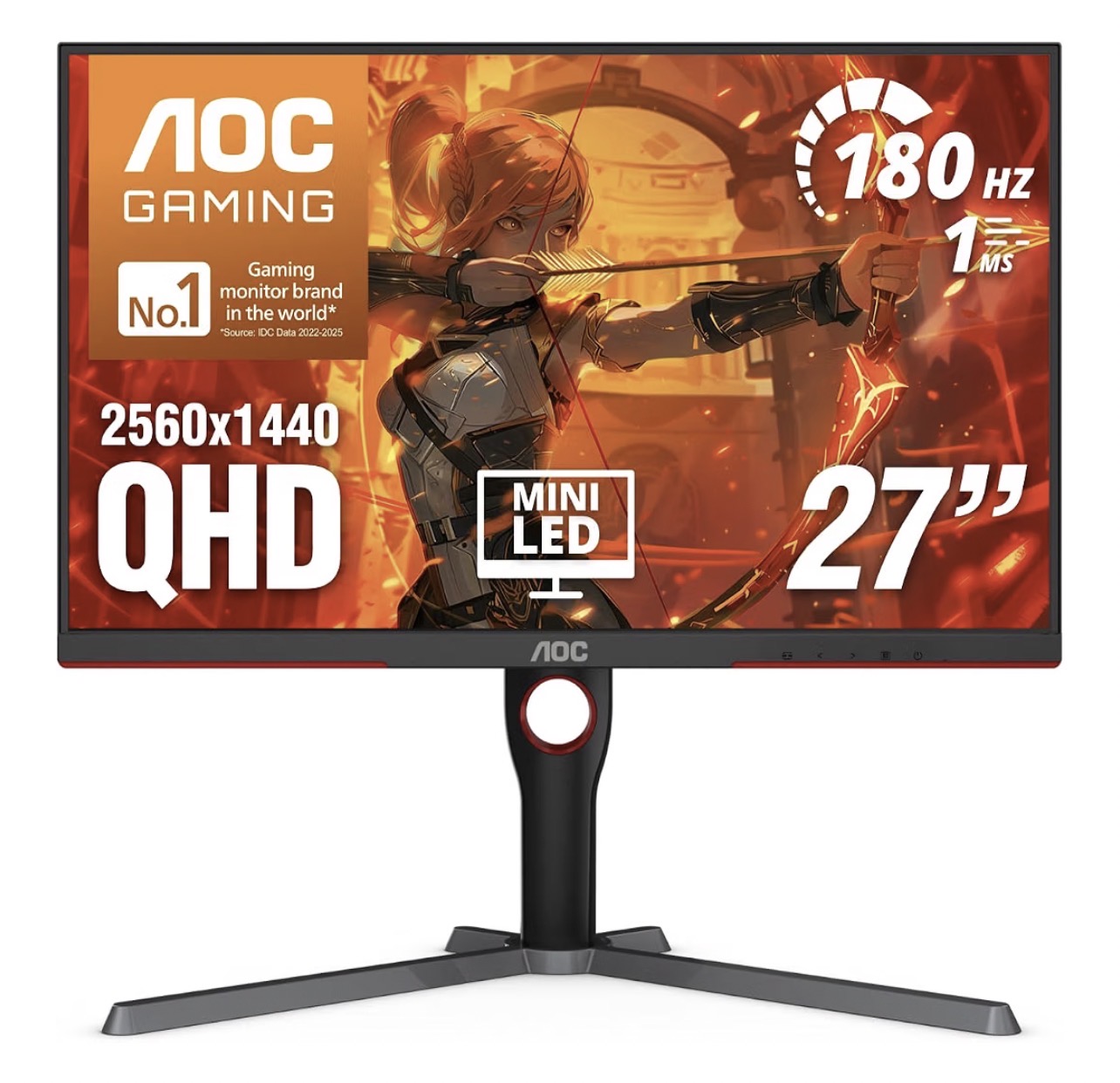
HDR-focused gaming
AOC Q27G3XMN
Mini-LED is the feature to prioritise if HDR is your main reason to upgrade.
Choose for the way you play: Mini-LED HDR, high-refresh gaming or a desk shared between two computers. Compare the trade-offs, then check the exact model and price on Amazon.
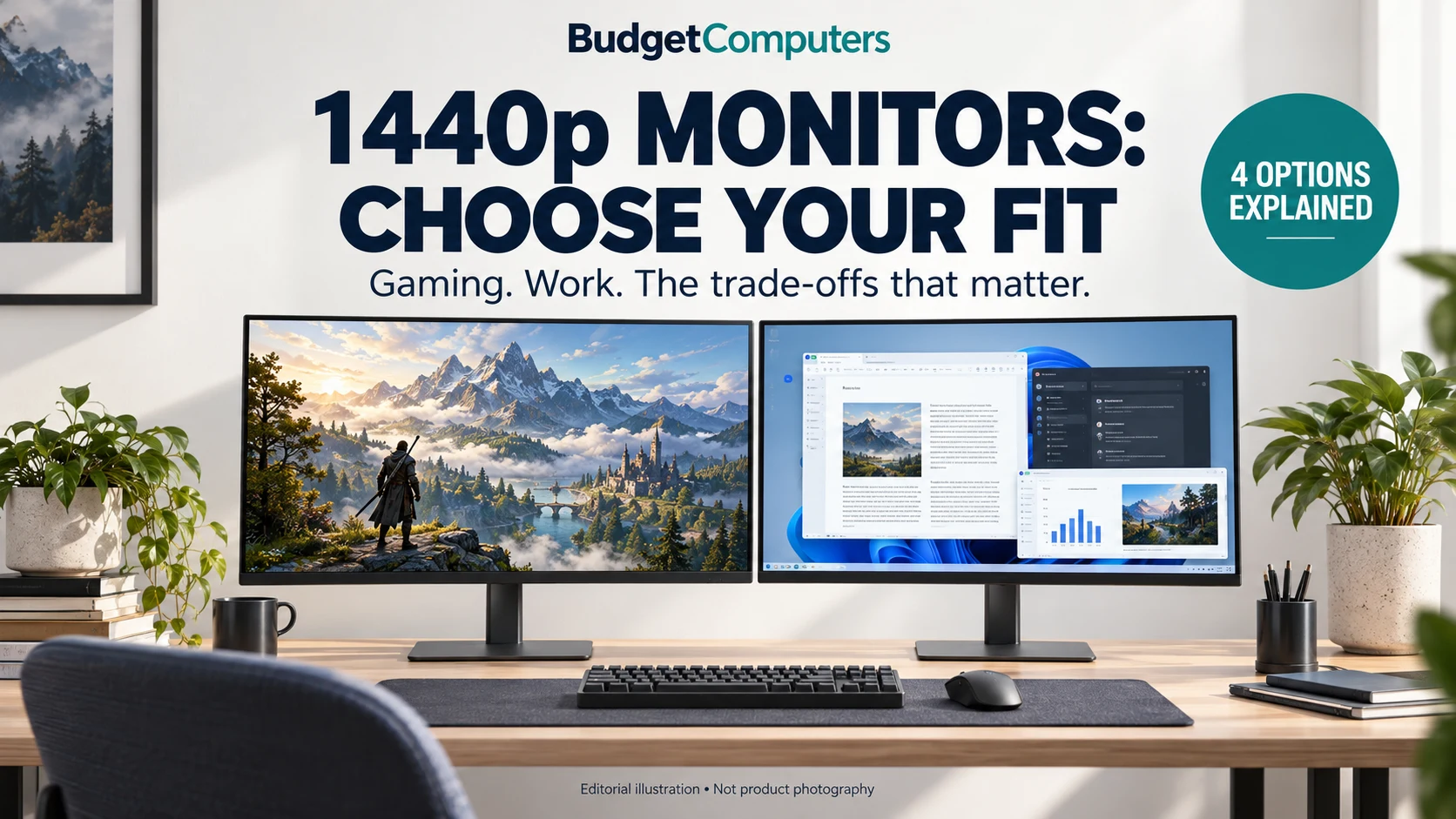
As an Amazon Associate I earn from qualifying purchases. Match the exact model and selected variant before ordering.
Mini-LED is the feature to prioritise if HDR is your main reason to upgrade.
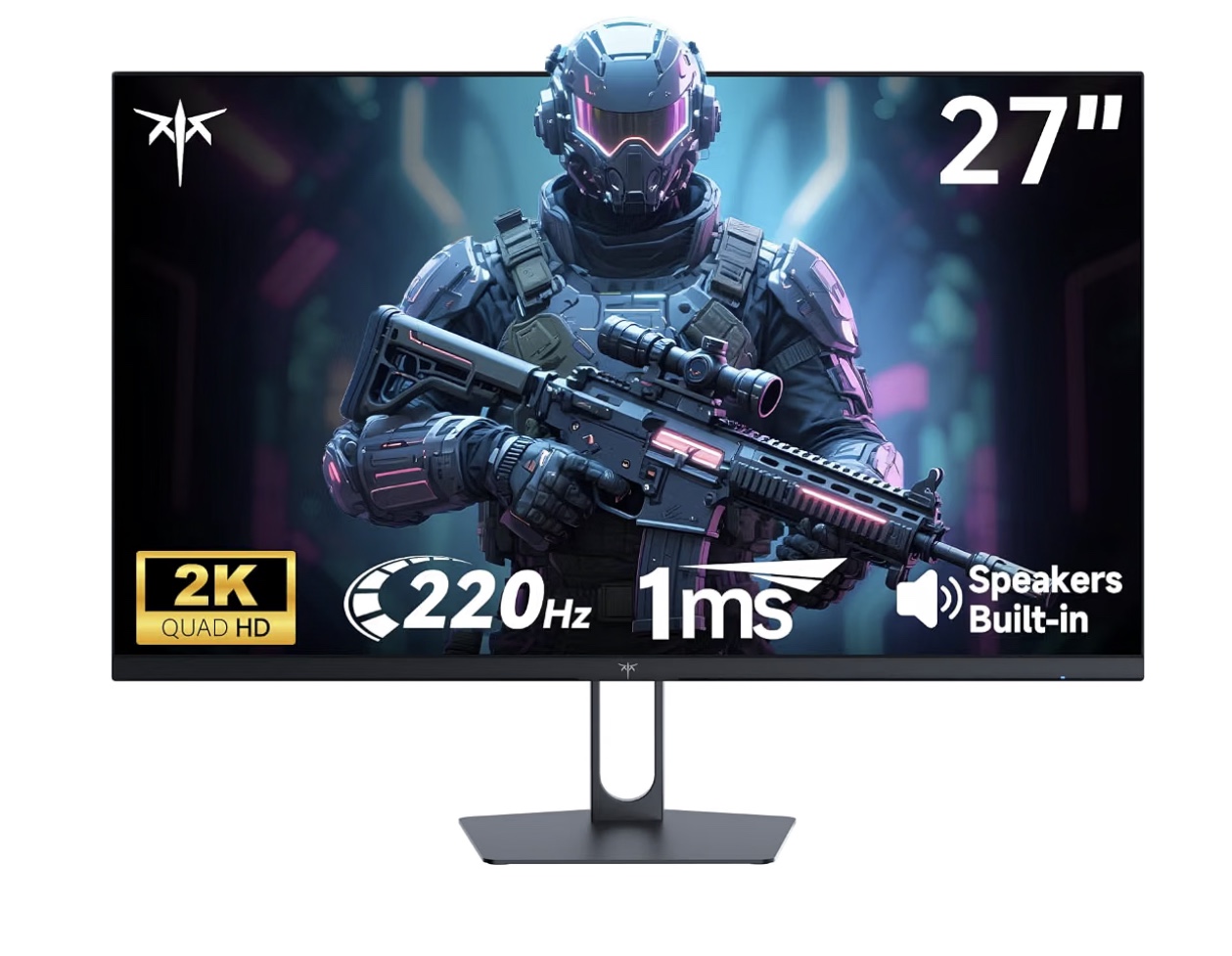
Compare the exact variant and total price against the other IPS options.
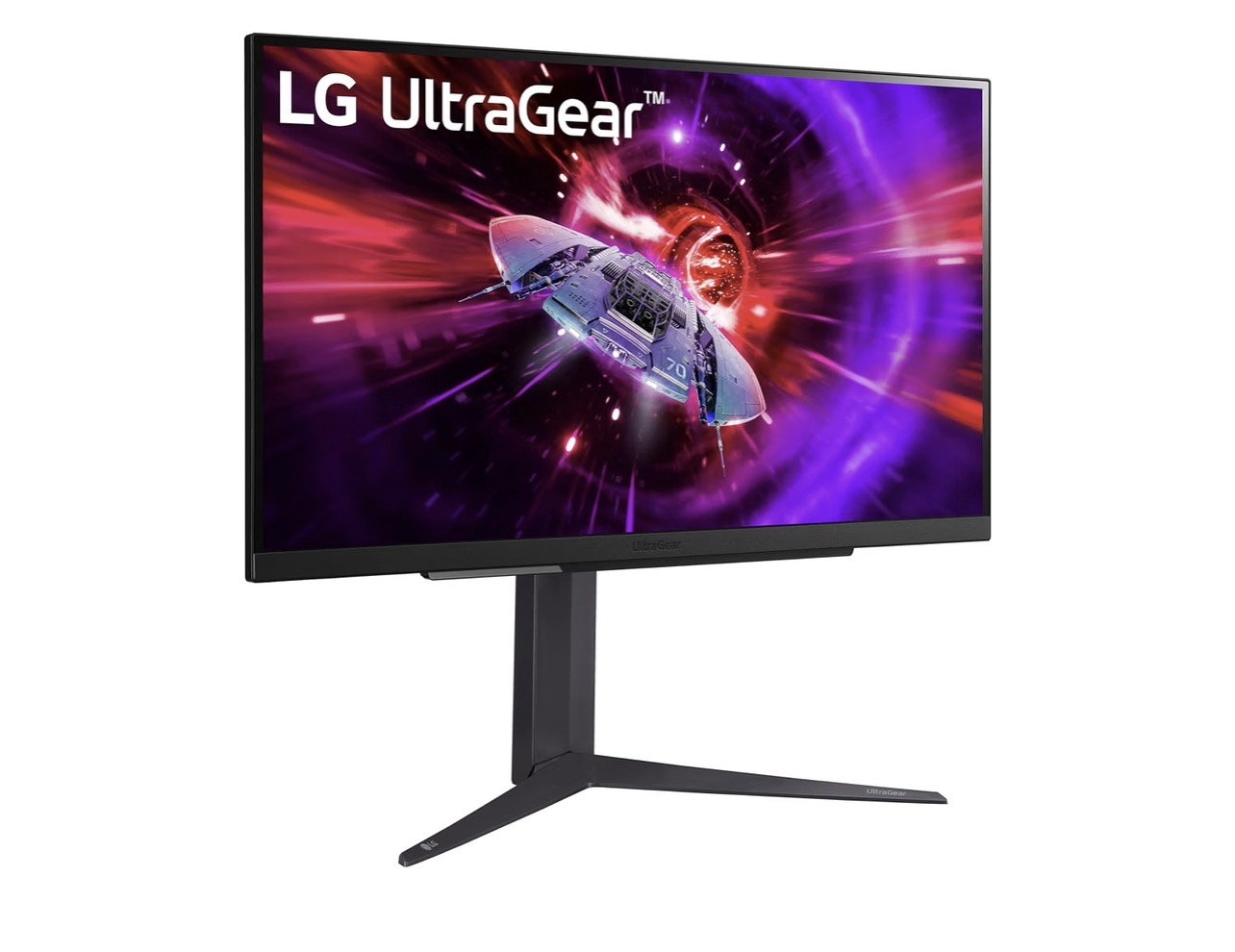
A candidate for players whose games and GPU can benefit from 240Hz.
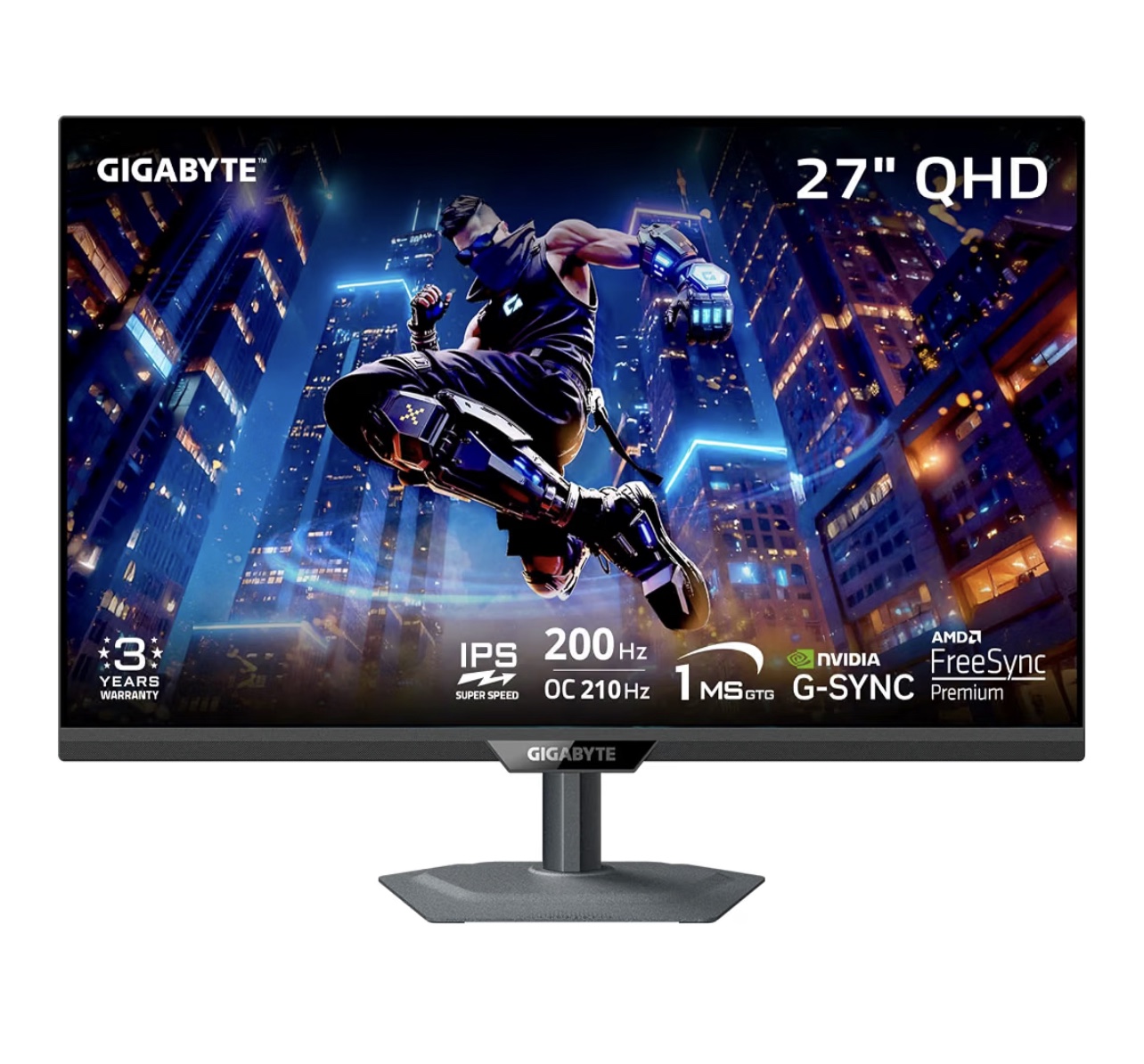
KVM and USB-C deserve attention if you switch computers at one desk.
US listings · Current price, seller and availability are shown by Amazon. These are options by purpose, not a ranking by today’s price.

Best for: cinematic single-player games, darker rooms and buyers who want stronger contrast.
Verdict: Consider it when local-dimming HDR is your priority. Compare independent motion and viewing-angle tests before choosing it for competitive play; Mini-LED alone does not establish overall performance.
Skip it if: You mainly want high-refresh competitive play; compare independent motion tests first.
Check price on Amazon
Best for: a budget PC build that needs 1440p and high refresh rate without overspending.
Verdict: Consider only when the exact variant is meaningfully cheaper than alternatives. Confirm the listed refresh mode and local warranty; an HDR label alone does not establish convincing HDR.
Skip it if: The final price is close to a better-supported alternative or the variant is unclear.
Check price on Amazon
Best for: competitive PC gaming and console players who need HDMI 2.1.
Verdict: Consider for 240Hz PC use when your games and GPU can benefit. Compare its full cost with lower-refresh options; console buyers should check the required resolution and refresh mode rather than pay for 240Hz alone.
Skip it if: You play at much lower frame rates and would pay extra for refresh you will not use.
Check price on Amazon
Best for: people switching between a desktop, laptop, work and gaming setup.
Verdict: Consider its connectivity if you actually switch between two computers. Check the exact model suffix and USB-C power capability; a USB-C port does not guarantee laptop charging.
Skip it if: You do not need the connectivity, or you require laptop charging that the selected model cannot supply.
Check price on AmazonResearch-based comparison; we have not personally tested these monitors. Advertised response times and display capabilities are not our measurements. Compare the exact model, current total cost and warranty.
Specifications above come from manufacturer product pages and the retailer listings linked on this page. We do not claim hands-on testing. We do not rank these models by current price. Refresh-rate and response-time figures are manufacturer or retailer claims, not our measurements. Verify the exact variant and current listing before purchase.
Sources:
AOC ·
KTC
·
LG
·
Gigabyte
Disclosure: As an Amazon Associate I earn from qualifying
purchases.
Check weight, VESA mounting and desk compatibility with our monitor-arm fit guide before ordering.