Worth considering when…
The exact specifications are disclosed, the machine supports your software, and its complete cost leaves a meaningful saving. Older hardware can still suit light office work, a spare PC or a deliberately planned project.
Home / Buying guides / Core i7 PC buying checks
The badge is only the beginning. Find the full processor model, check software support and price the complete computer before deciding whether a budget listing deserves your money.
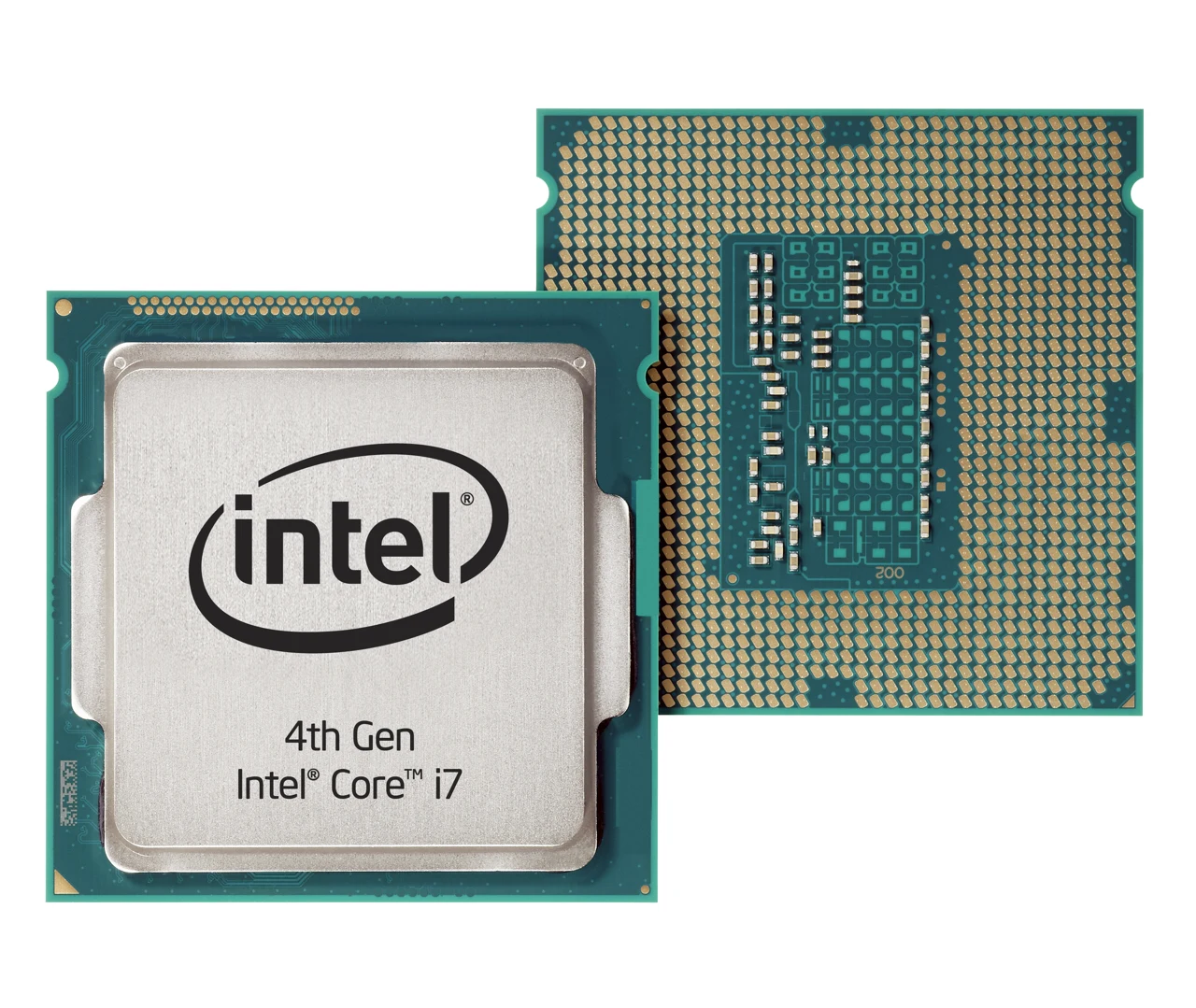
Do not pay extra for “Core i7” until you know which i7 it is. An older computer can be worthwhile when its capabilities, condition and support match the job—and the complete cost beats suitable alternatives.
Affiliate disclosure: As an Amazon Associate I earn from qualifying purchases. The Amazon link below is an affiliate link. Our linked buying guides may also contain affiliate links.
A description such as “Intel Core i7 up to 4.0GHz” omits the information needed to identify the chip. Clock speed alone is not a fair performance comparison across different designs. Start with the full model, then consult specifications and independent tests for your actual applications.
| Specification | Core i7-7700 | Core i7-13700 |
|---|---|---|
| Generation | 7th | 13th |
| Intel launch date | Q1 2017 | Q1 2023 |
| Cores / threads | 4 / 8 | 16 / 24 (8 performance + 8 efficient cores) |
| Maximum turbo frequency | 4.2GHz | 5.2GHz |
The specifications differ substantially despite the shared i7 name. They do not tell you that one complete PC is a particular percentage faster: cooling, power settings, memory and workload also matter. These are identification examples, not endorsements of either processor.
Sources: Intel’s i7-7700 and i7-13700 specifications.
Intel uses suffixes to distinguish product lines: U denotes power-efficient mobile processors, H denotes performance-oriented mobile processors, and F indicates that discrete graphics are required. These are clues, not a universal ranking. Newer Core and Core Ultra names use different numbering conventions; identify the full product rather than applying one generation-decoding rule to every Intel chip.
Reference: Intel processor suffixes and processor naming guide.
For a Windows purchase, verify official compatibility for the complete computer. CPU support is only part of the check; Microsoft also specifies requirements such as TPM 2.0 and Secure Boot capability. Ask for the manufacturer’s compatibility information or a PC Health Check result, with personal details removed.
Standard Windows 10 support ended on October 14, 2025. If a listing still supplies Windows 10, establish its supported upgrade path or the applicable extended-security-update terms before paying. Do not assume extra RAM makes an unsupported system eligible.
Sources: Microsoft PC Health Check and Windows 11 requirements.
The exact specifications are disclosed, the machine supports your software, and its complete cost leaves a meaningful saving. Older hardware can still suit light office work, a spare PC or a deliberately planned project.
The seller cannot identify the processor or computer, software support is unclear, or required upgrades remove the saving. A larger discount badge does not resolve those gaps.
Could you confirm the full processor model and exact computer model, installed RAM and whether it is upgradeable, SSD type and capacity, official Windows 11 compatibility, condition, warranty and return terms?
On arrival, compare the hardware with the invoice and try your real workload within the return window. Keep the seller’s written answers. If you already own a working computer, use our upgrade-or-replace guide before buying another one.
For study and everyday office use, compare a clearly identified modern laptop against the vague listing—not just another processor badge.
Acer specifies Core Ultra 5 226V, 16GB LPDDR5X, a 1TB SSD, a 14-inch 1920×1200 IPS touchscreen and Windows 11 Home. This is an example with identifiable specifications, not a verified sale or a benchmark comparison against the i7 examples.
Consider it for: documents, browsing and study when 16GB suits your workload. Skip it if: you require a number pad, a larger display or a confirmed path to more memory. Do not interpret the manufacturer page’s maximum-memory field as proof that this 16GB configuration is upgradeable.
Check this exact Acer model at AmazonAffiliate link. Current price, seller, stock and delivery total are not verified. Confirm the selected model and condition before purchasing.
Acer specifications · Read our fuller Acer buying assessment
Assess the complete system, including graphics, cooling and upgrade restrictions.
Read the prebuilt PC guide →Check whether memory or storage is actually limiting it before ordering parts.
Compare RAM and SSD upgrades →Share the listing, country, budget and intended applications with r/BudgetComputers. Leave out serial numbers and personal information. A specific question makes it easier to identify the missing details.
Specifications and support guidance checked October 30, 2026 against Intel, Microsoft and Acer documentation. The shopping link is for the named model; it is not a verified sale offer. We have not tested these computers, verified seller performance or measured battery life. Our editorial standards · Report a correction.