MSI Crosshair vs HyperX OMEN: Is the $100 Black Friday Upgrade Worth It?
Two gaming laptops, a $100 price gap, and a buying decision that deserves more than a GPU badge.
Affiliate disclosure: BudgetComputers may earn a commission from qualifying purchases through the retailer buttons below.
Our buying verdict
The MSI is the clearer verified offer; the OMEN is worth checking before spending around $1,300. Choose the MSI if its display and lower price meet your needs. Consider the OMEN only after confirming the selected condition and finding exact-model performance evidence. We have not established how much faster it is in games.
The extra $100 is an 8.3% price increase. It does not establish an 8.3% performance increase.
| Detail | MSI Crosshair | HyperX OMEN |
|---|---|---|
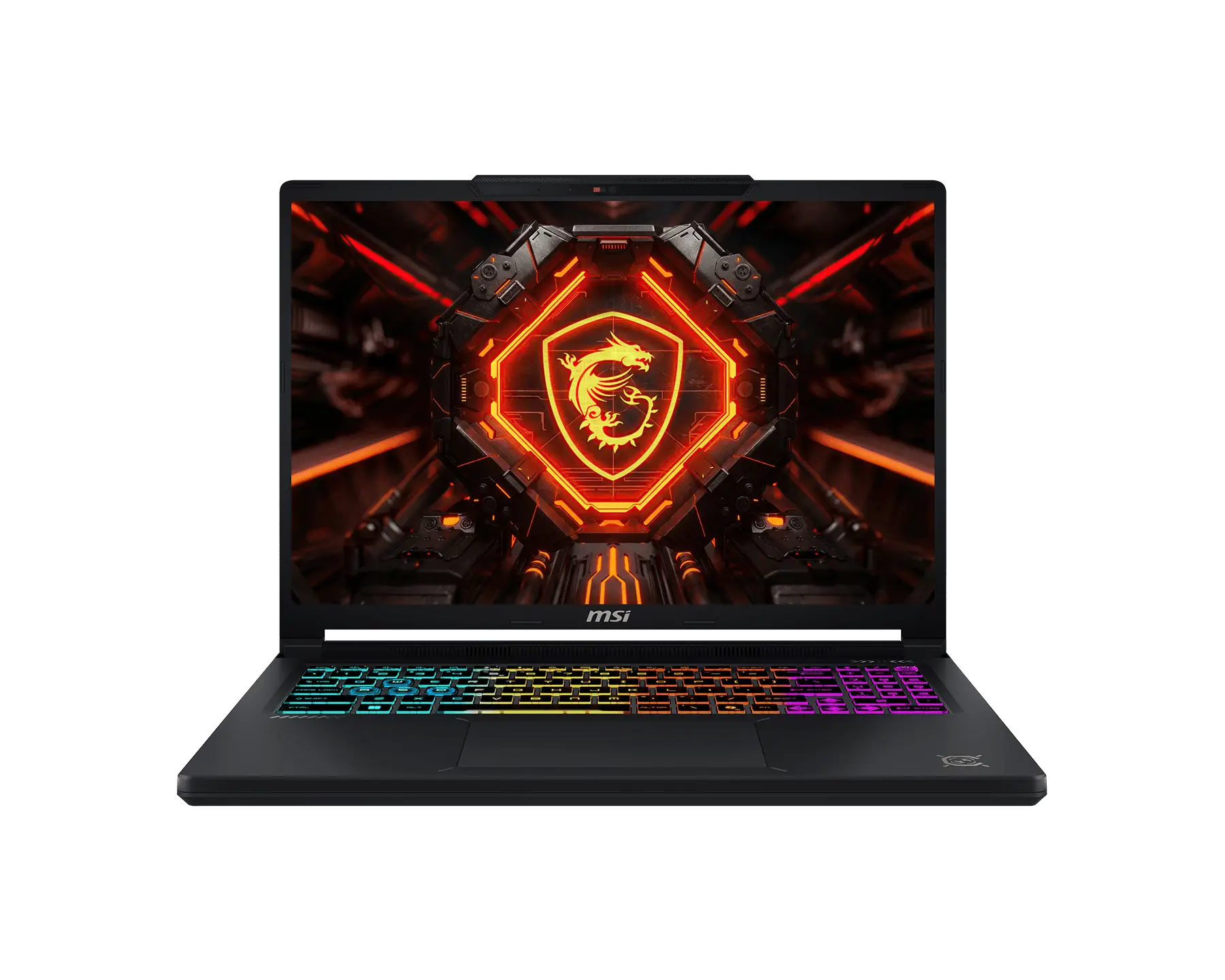
| Model | A16 HX E8WFK-053US | 15-gb0090wm |
| Listed price | $1,199 | $1,299 |
| CPU / GPU | Ryzen 7 8840HX / RTX 5060 | Ryzen 9 8940HX / RTX 5070 |
| RAM / SSD | 16GB / 1TB | 16GB / 1TB |
| Display | 16-inch 2560×1600, 240Hz IPS-level | 15.3-inch 2.5K, 180Hz IPS |
| Offer check | New; Walmart.com seller | Walmart.com seller; confirm condition selection |
Keep the $100: MSI
A sensible shortlist option for someone prioritising the built-in screen. MSI specifies typical 100% DCI-P3 coverage, 8GB VRAM and up to 115W graphics power with Dynamic Boost. These are specifications, not our test results.
Check MSI price at WalmartConsider the upgrade: OMEN
The $1,299 offer was shown with New selected. Open Box was listed separately and unavailable in that check. The higher GPU tier is a reason to compare, not a measured performance claim.
Check OMEN price and condition at WalmartRetailer recheck November 25: MSI at $1,199 new with free shipping shown to Sacramento, CA 95829; OMEN at $1,299 new with free shipping shown to Dulles, VA 20189. Both displayed Walmart.com as seller and shipper. Tax is extra. Recheck both for the same ZIP.
Why this comparison matters this week
Slickdeals is featuring both configurations, and its OMEN discussion includes questions about graphics memory and alternative laptops. That is useful evidence of reader questions, not evidence that either laptop is the market’s best seller. PC Gamer’s Black Friday coverage also separates options by price and GPU tier.
The checks that decide the purchase
Start with your actual games. Look for testing of the exact laptop, including graphics power and cooling. Compare identical settings, resolution and frame-generation modes. We have not verified an exact OMEN power limit from HP, so we are not repeating wattage claims from comments.
Check graphics memory separately. Do not infer VRAM from “RTX 5070” alone. The MSI configuration here is confirmed at 8GB. Obtain the OMEN’s exact specification sheet if memory capacity is decisive for your work; this comparison does not promise a VRAM upgrade.
Keep screen claims in proportion. A higher refresh ceiling does not guarantee that frame rate. Colour coverage does not establish calibration accuracy, response time or HDR quality. Choose for your games and working conditions.
Compare the cost you will actually pay. Both advertised configurations include the same RAM and SSD capacities. Include tax, delivery and any necessary upgrades. Do not count trial subscriptions as cash savings.
Buy now or wait?
Buy when the verified configuration fits your requirements and the total is within budget. If the OMEN condition is unclear, pause that purchase. If you are stretching the budget solely for its model badge, keep the MSI on your shortlist until comparable benchmarks justify spending more. Neither a retailer markdown nor a forum vote proves a historical low.
Read the full MSI assessment · Browse the Black Friday buying hub
Sources and verification limits
MSI retailer listing · OMEN retailer listing · MSI exact-model specifications · Slickdeals laptop feed · PC Gamer’s category coverage.
Research-based comparison, not a hands-on review. No measured FPS advantage, independently verified historical saving or guaranteed future price is claimed. Our editorial policy.